Stream Video
at Lightning Speed
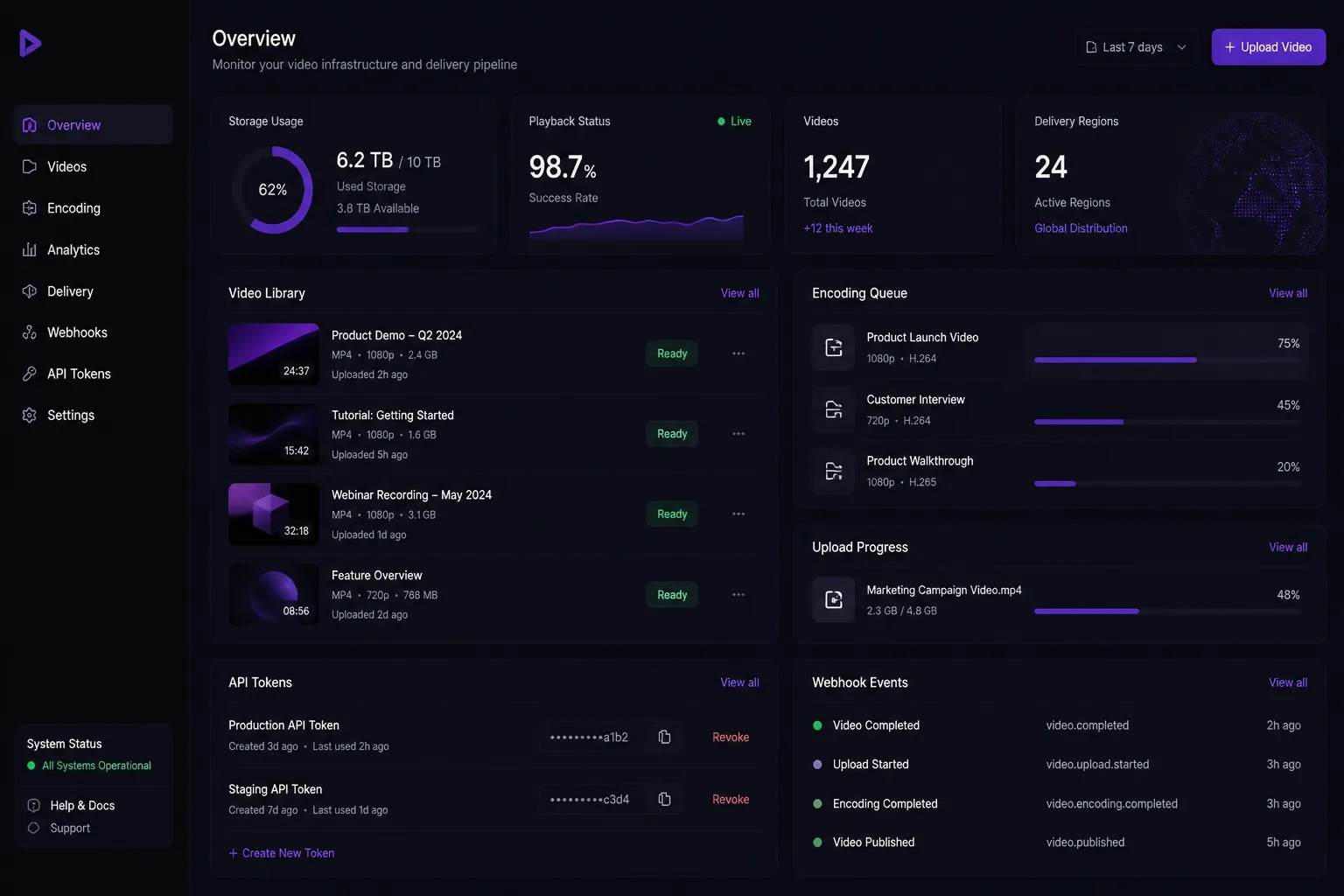
Mewvie stores, encodes and streams your videos: an encrypted HLS ladder, keys only for live viewers, AI subtitles and dubs on the same stream. Speaks the Bunny Stream API, so your server barely notices the move.
 DramaMint
Everything you need to
deliver great video
Upload through the dashboard or the API, keep the originals, stream with keys only your viewers get, and add subtitles and dubs in more languages without a second pipeline.
Mewvie × DramaMint
powering premium drama streaming
DramaMint brings the audience and the stories; Mewvie handles upload, storage, encoding and delivery of every episode. DramaMint kept its Bunny Stream client and moved its catalogue with one fetch call per video.

Up and running
in minutes
Create a library, upload videos, connect your server and start streaming. No player to build: any HLS player plays a Mewvie session.
- 1Create a video libraryEach library has its own API key, webhook, player access rules and stream limit.
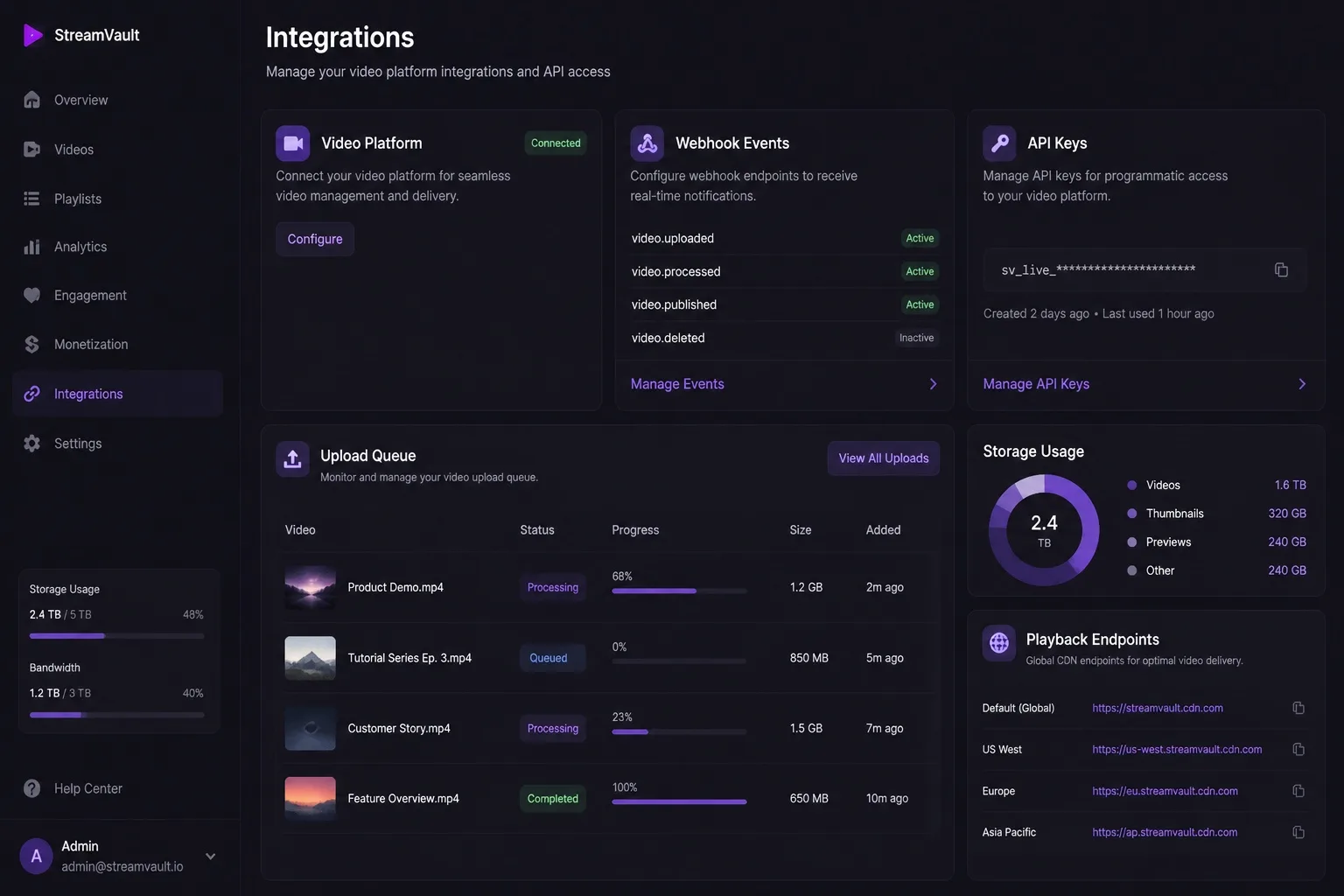
- 2UploadFrom the dashboard, over tus from your app, or by URL. Encoding starts as soon as the file is in.
- 3Connect your serverPoint your Bunny client at Mewvie or use the v2 API; webhooks tell you when a video is ready.
- 4Play and watch the numbersOpen a play session for each viewer and give the player its URL. Traffic, storage and watch time are in the dashboard.
Simple purchase blocks
Not subscriptions. Prepaid credits at one rate: $0.02 per GB delivered, $0.02 per GB stored a month, encoding free.
- ≈ 250 GB delivered
- or 250 GB stored for a month
- Encoding, API and webhooks included
- ≈ 2,500 GB delivered
- or 2,500 GB stored for a month
- Encoding, API and webhooks included
- ≈ 25,000 GB delivered
- or 25,000 GB stored for a month
- Encoding, API and webhooks included
- ≈ 50,000 GB delivered
- or 50,000 GB stored for a month
- Encoding, API and webhooks included
Credits are bought in the Mewvie app, on Google Play. AI subtitles and dubs are priced per minute of video. Estimate a month →
Ready to stream
your world?
Upload video, deliver it to your viewers, and add every language they speak.
Get started